Restore the original
Choose Restore original below the document to undo the repair.
Choose Restore original below the document to undo the repair.
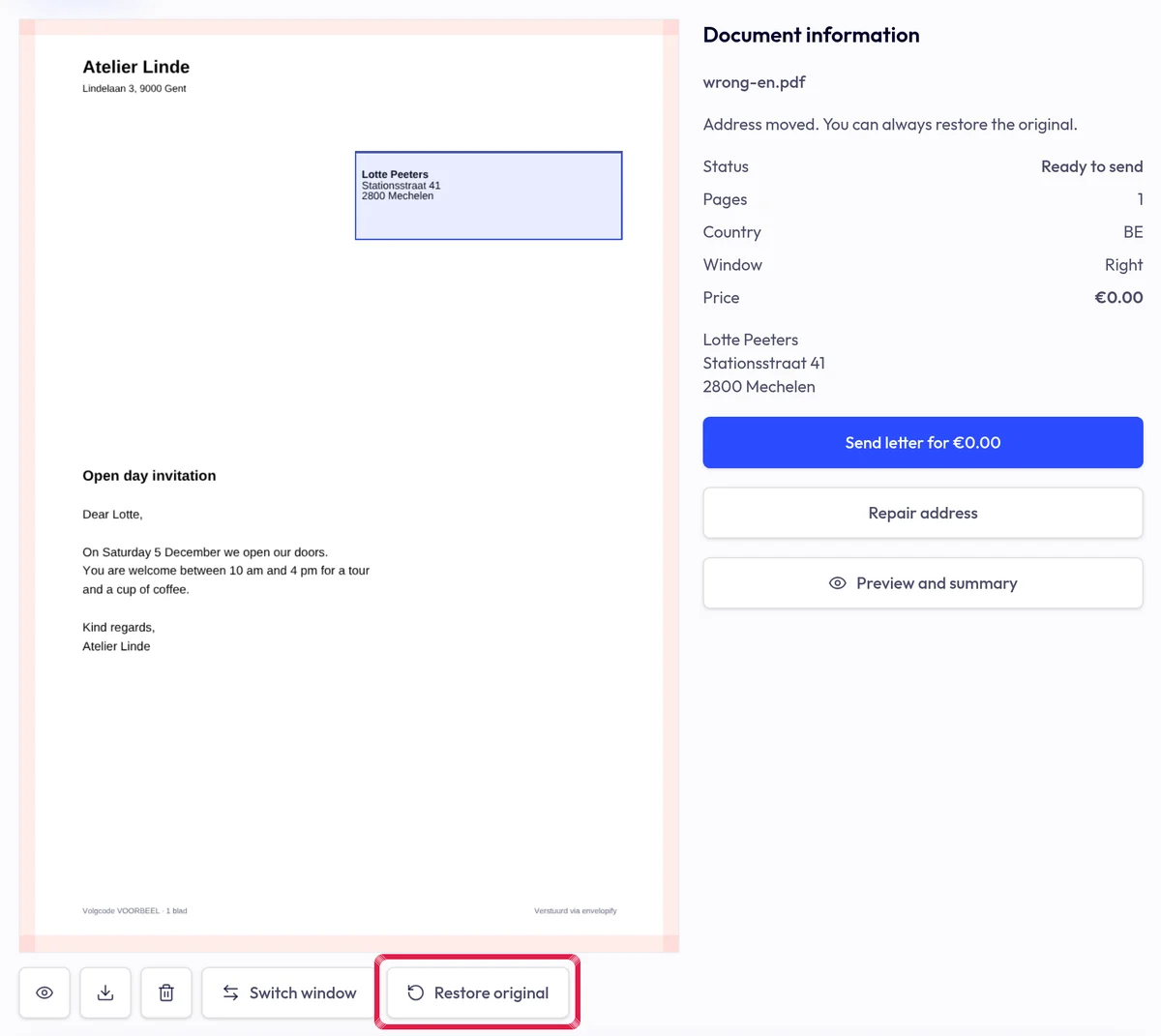
Highlighted area in the current portal, using fictional example data. The original detected address and placement choice return. Preparation corrections reset; the uploaded original was never modified.
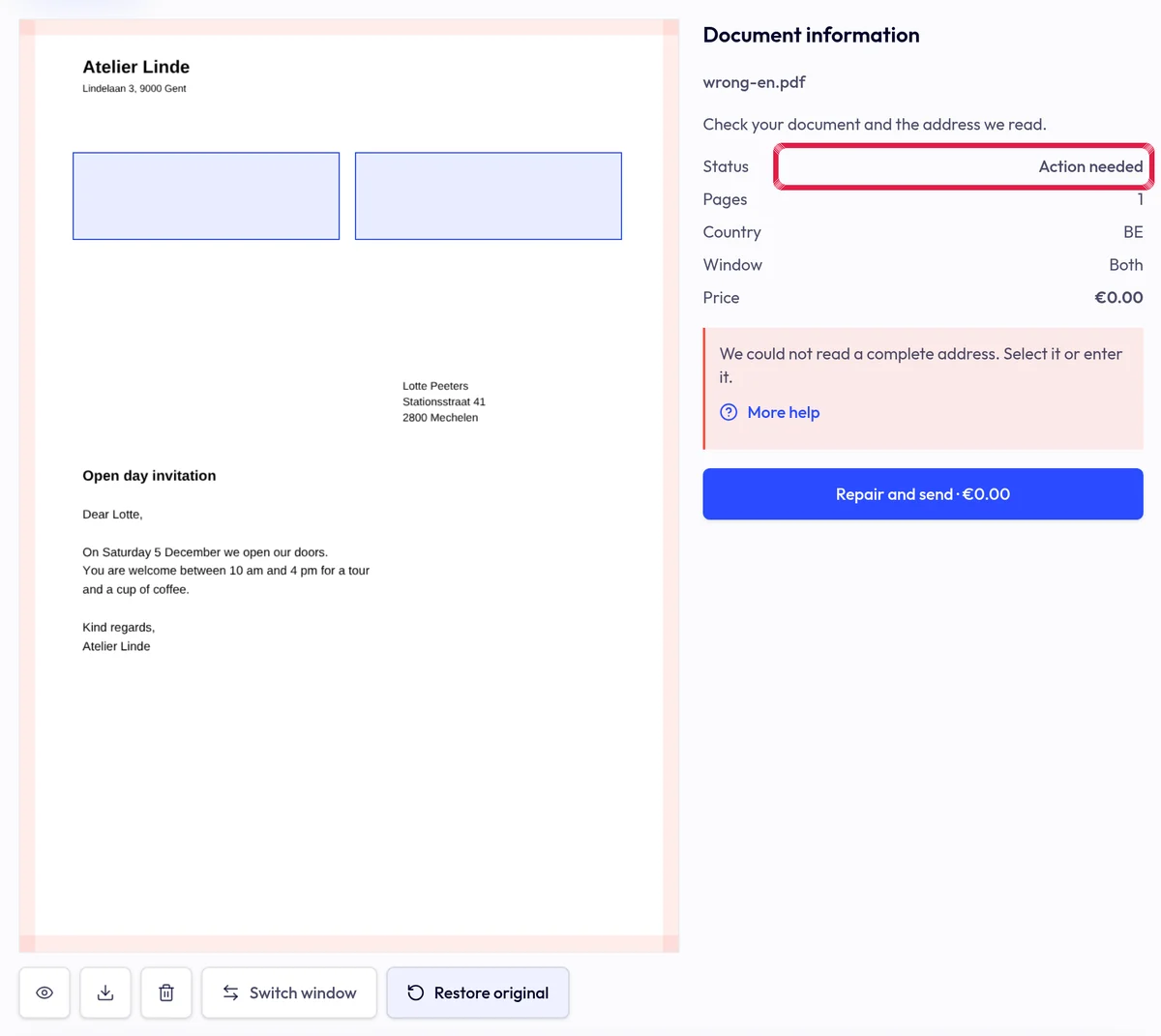
Highlighted area in the current portal, using fictional example data. Review the document and repair again if needed. Remove a saved account rule separately in Settings → Letters and branding.