ZIP or large PDF
Open Send a letter → Bulk PDF or ZIP. A ZIP contains one PDF per letter and optionally a recipient list.
Open Send a letter → Bulk PDF or ZIP. A ZIP contains one PDF per letter and optionally a recipient list.
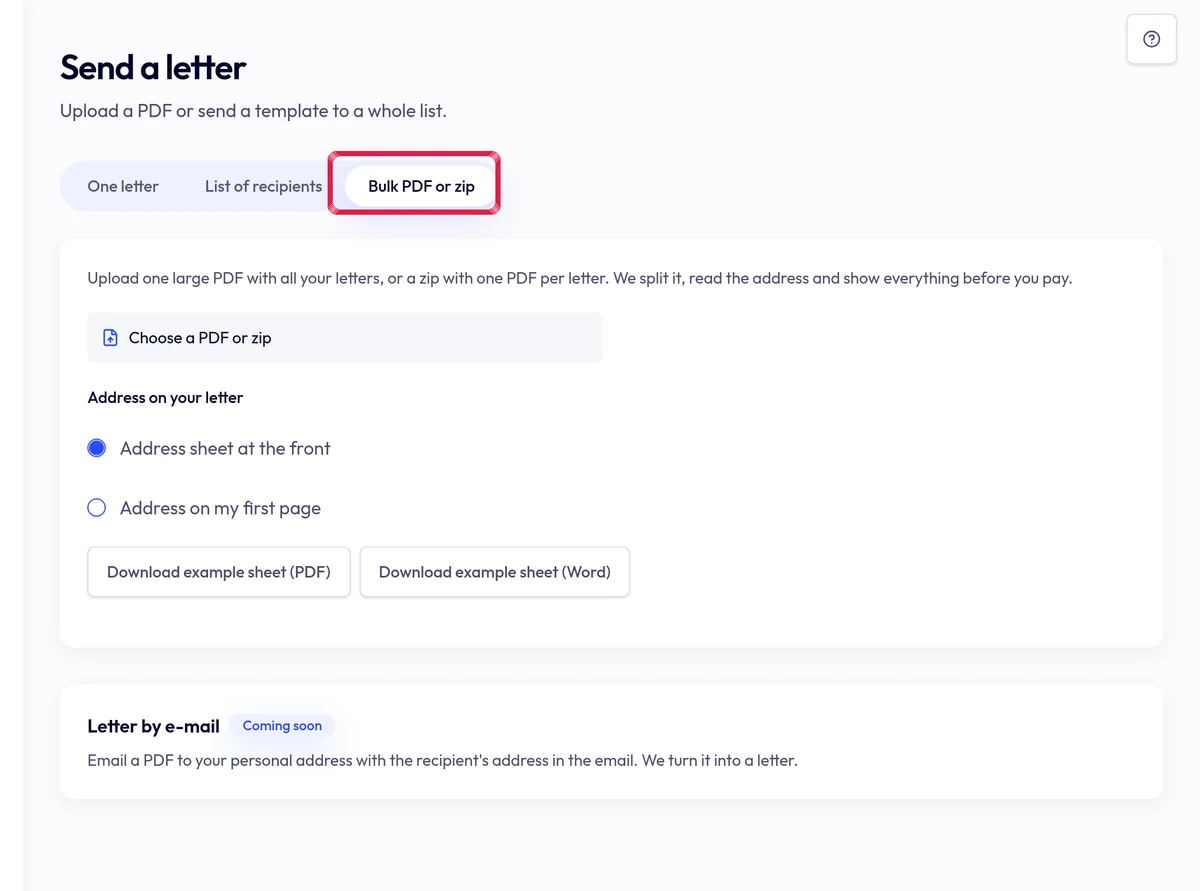
Highlighted area in the current portal, using fictional example data. For a large PDF, split by address, marker text or fixed page count. Check every recipient and page count.
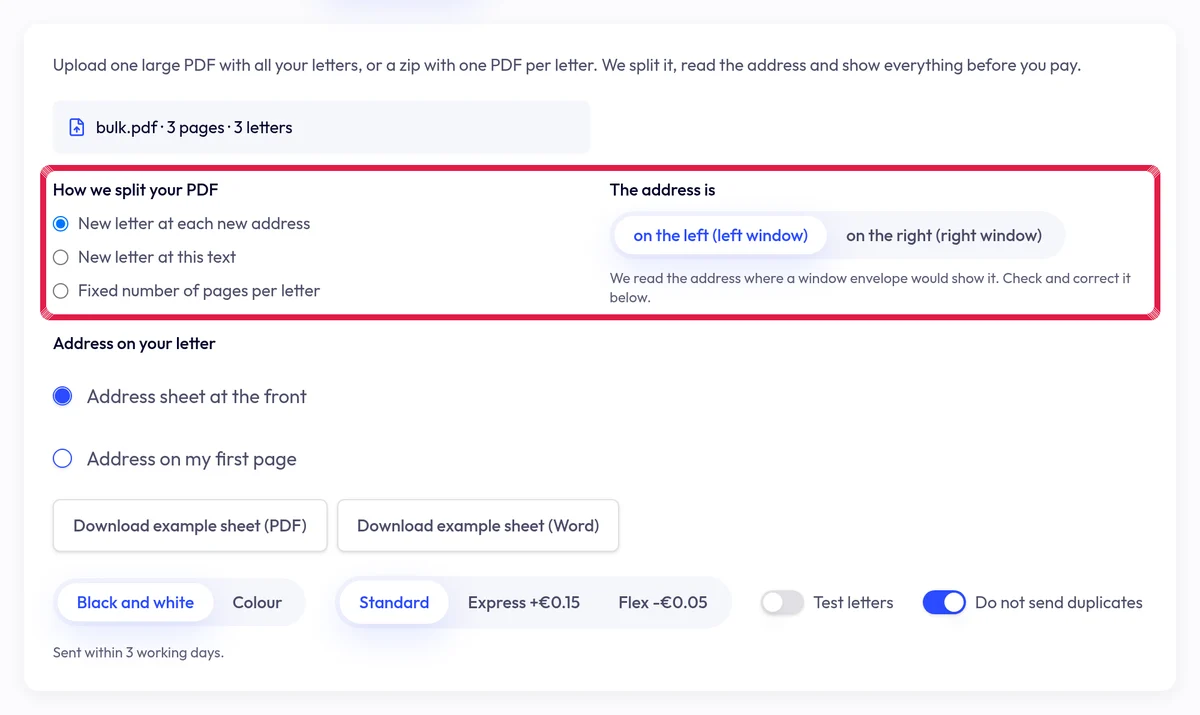
Highlighted area in the current portal, using fictional example data. Fix Action needed rows and skip duplicates. Choose Check and calculate and review the send summary; only the final Send action creates letters.