Address book and groups
Open More → Address book and add a contact or import a checked CSV or Excel file. Map only necessary address fields.
Open More → Address book and add a contact or import a checked CSV or Excel file. Map only necessary address fields.
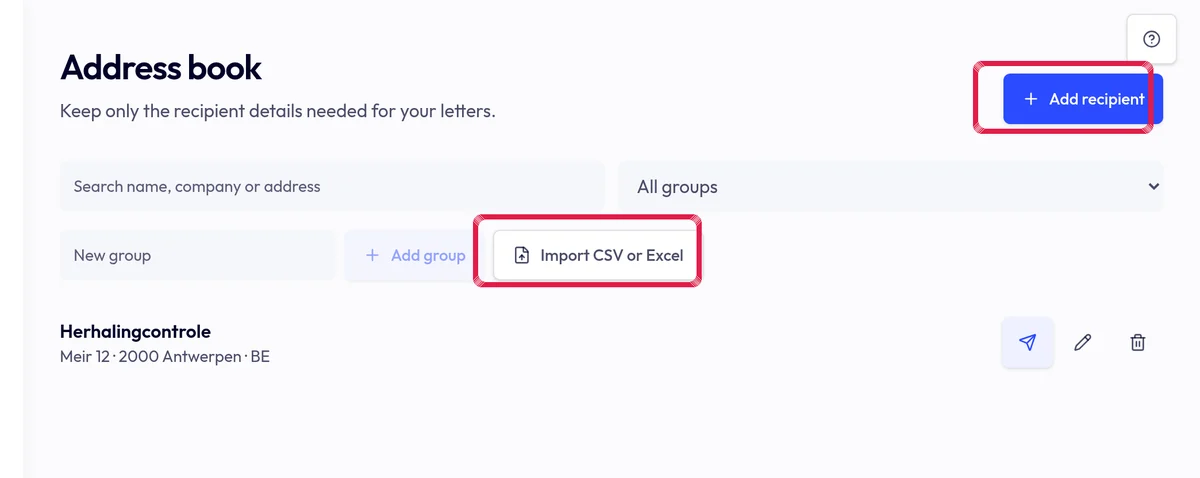
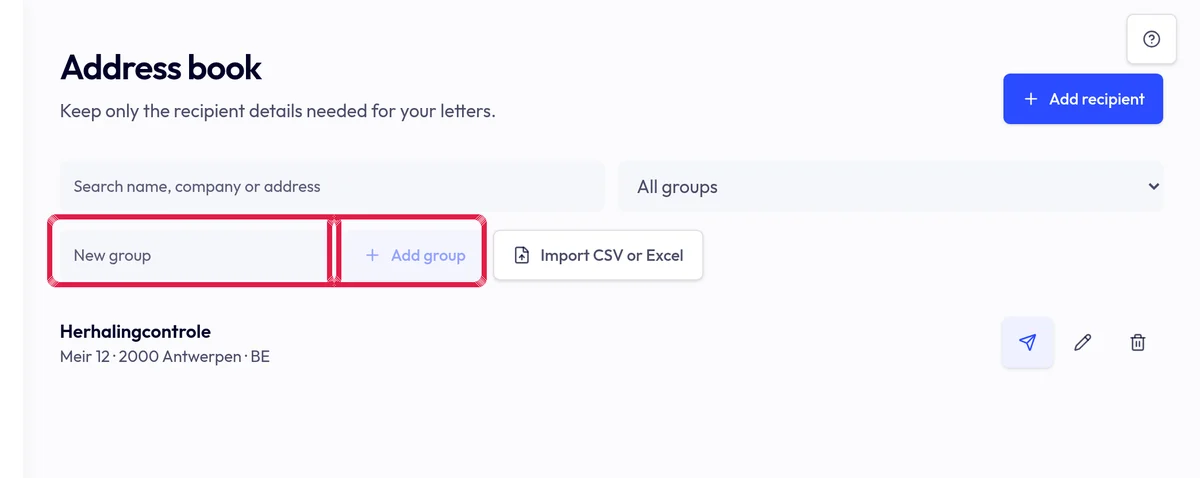
Highlighted area in the current portal, using fictional example data. Create a group and select its contacts. Review duplicates and addresses; a group does not automatically authorise sending.
Highlighted area in the current portal, using fictional example data. Select the group in Recipient list and check prepared count, preview and price before confirming.