Recurring letters
Open More → Recurring letters and choose contact, template, start and frequency. Check address and content.
Open More → Recurring letters and choose contact, template, start and frequency. Check address and content.
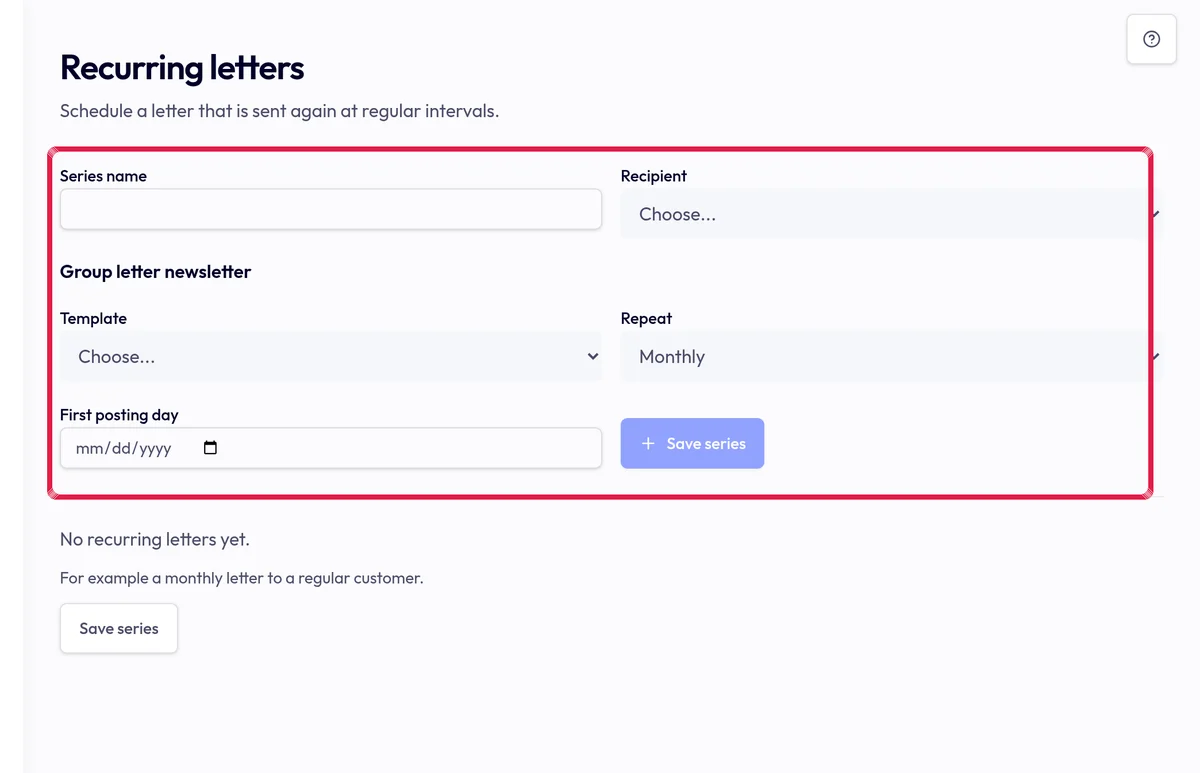
Highlighted area in the current portal, using fictional example data. Choose Save series and review the next date. An active real series can create a letter when due, using the current price and requirements.
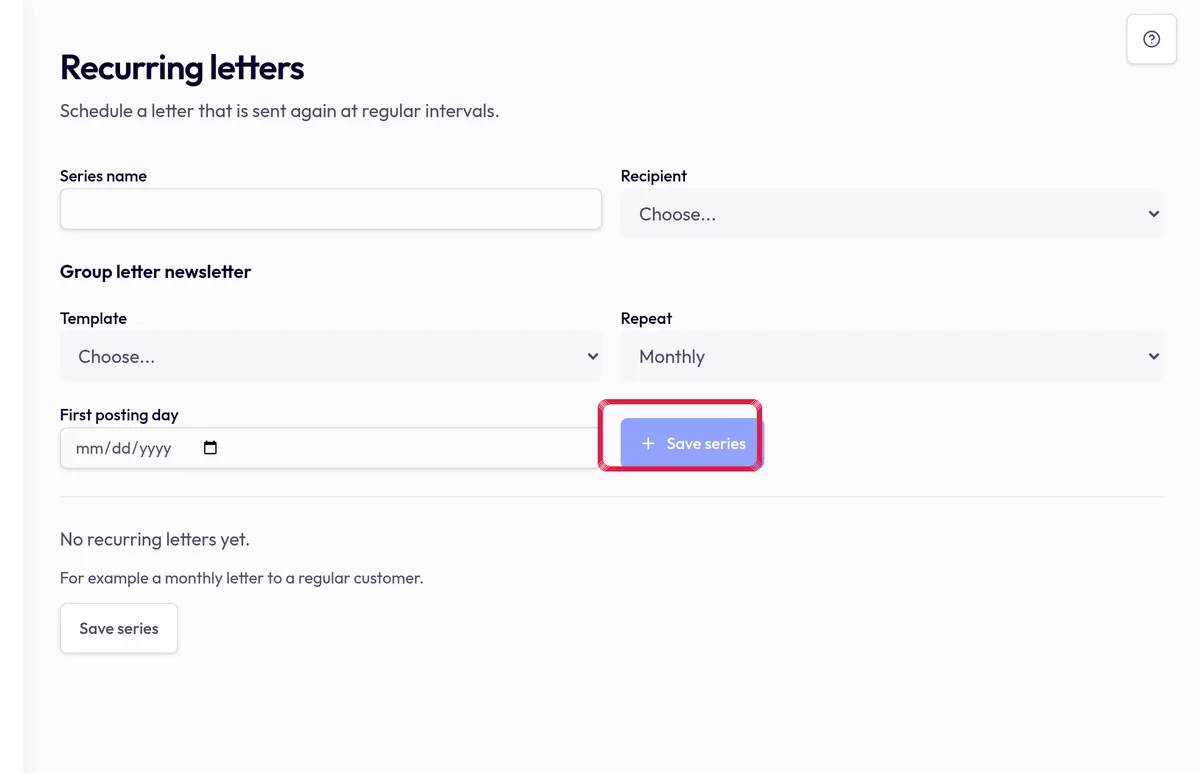
Highlighted area in the current portal, using fictional example data. Choose Stop to prevent future runs. Check already-created letters separately; stopping does not cancel them, and insufficient credit can delay a run.