Templates with merge fields
Open More → Templates and create or select a template. Put merge fields in double braces, such as {{voornaam}}.
Open More → Templates and create or select a template. Put merge fields in double braces, such as {{voornaam}}.
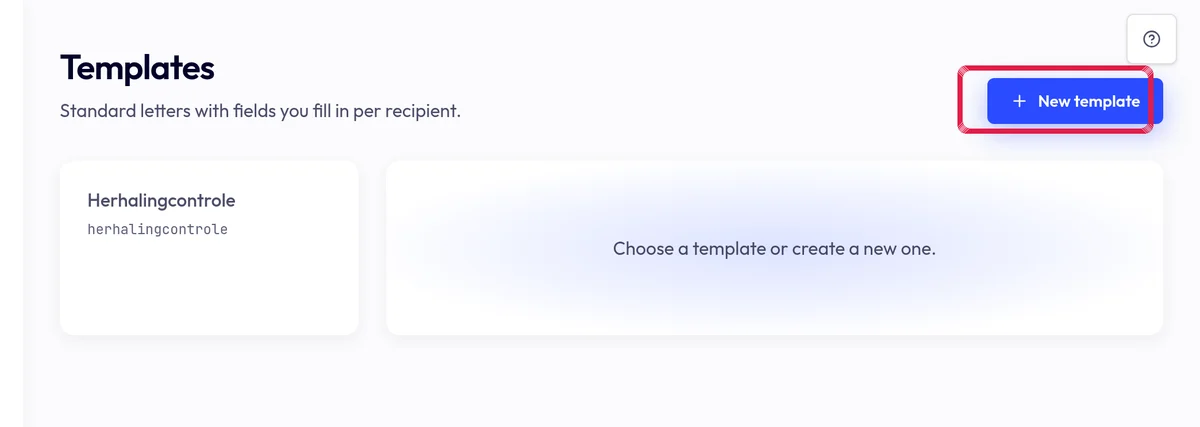
Highlighted area in the current portal, using fictional example data. Use a recipient list whose columns match those fields. Save translations only after reviewing their content.
Review a merged PDF for each relevant variant and fix missing fields. Saving a template sends nothing.