Password and sign-in link
Open Sign in and choose Receive a sign-in link for email access. Do not share the secure link.
Open Sign in and choose Receive a sign-in link for email access. Do not share the secure link.
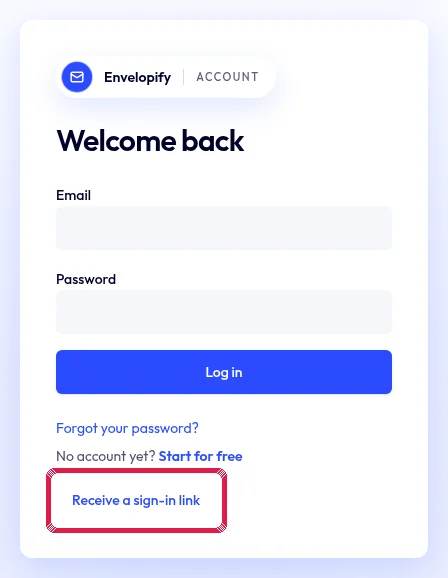
Highlighted area in the current portal, using fictional example data. Use Forgot password when you need a new password and open recovery on the same trusted site address.
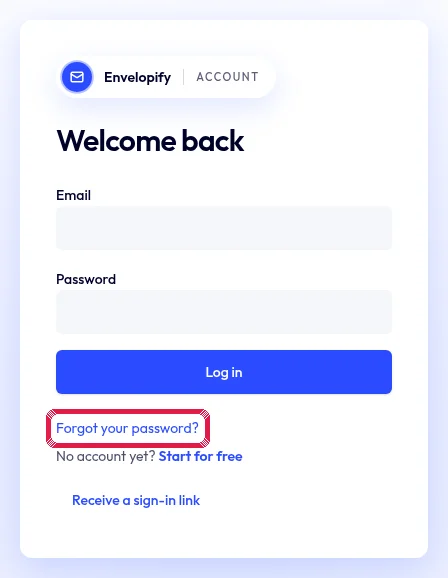
Highlighted area in the current portal, using fictional example data. Choose and save your new password. Existing password sign-in remains available; contact us if the email does not arrive.