Two-step verification
Open the user menu → Two-step verification or the corresponding Settings tab.
Open the user menu → Two-step verification or the corresponding Settings tab.
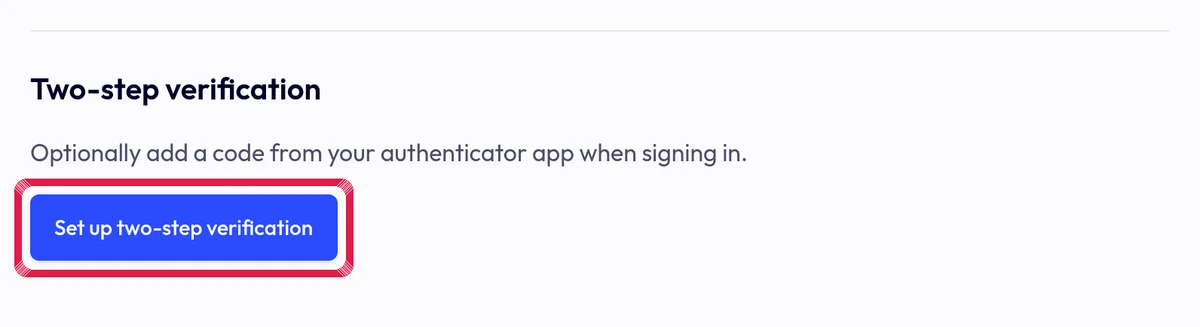
Highlighted area in the current portal, using fictional example data. Choose Set up two-step verification, scan the QR with your authenticator and enter the current code. Never share the QR or code.
Confirm and check the active state. The supported sign-in step asks for your code. You can disable it here; test your own sign-in before relying on this extra protection.