Choose your language
Open Settings → Account and find Portal language, or use the picker at the bottom of the menu.
Open Settings → Account and find Portal language, or use the picker at the bottom of the menu.
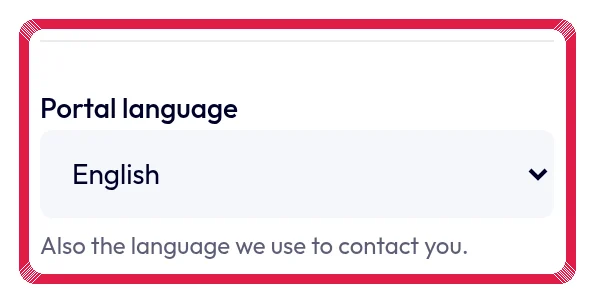
Highlighted area in the current portal, using fictional example data. Choose Dutch, French or English. Portal language is saved on your account.
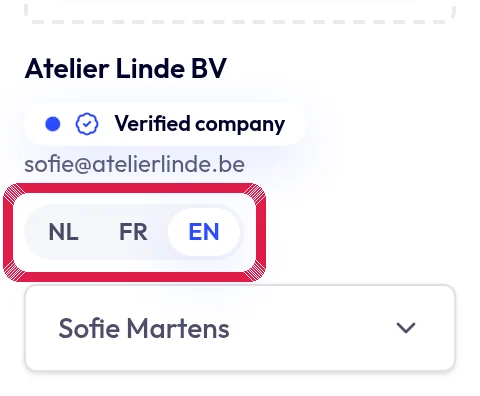
Highlighted area in the current portal, using fictional example data. Review the new language. Letter content and recipient language are separate choices; this does not translate your own document.