Configure notifications
Open Settings → Status notifications. These go to your own HTTPS receiver, not automatically to your inbox.
Open Settings → Status notifications. These go to your own HTTPS receiver, not automatically to your inbox.
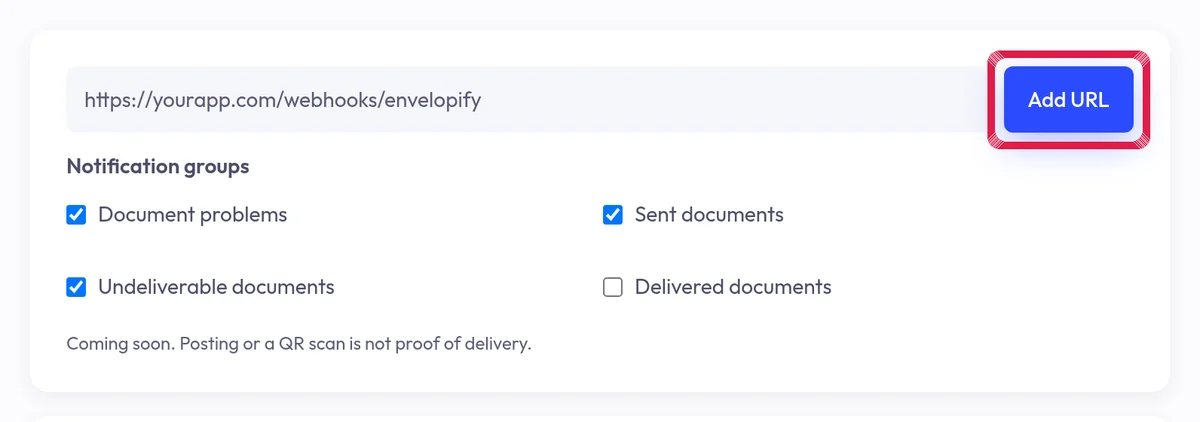
Highlighted area in the current portal, using fictional example data. Choose Received, Processing or Problem groups for each address. Delivered documents is not available yet.
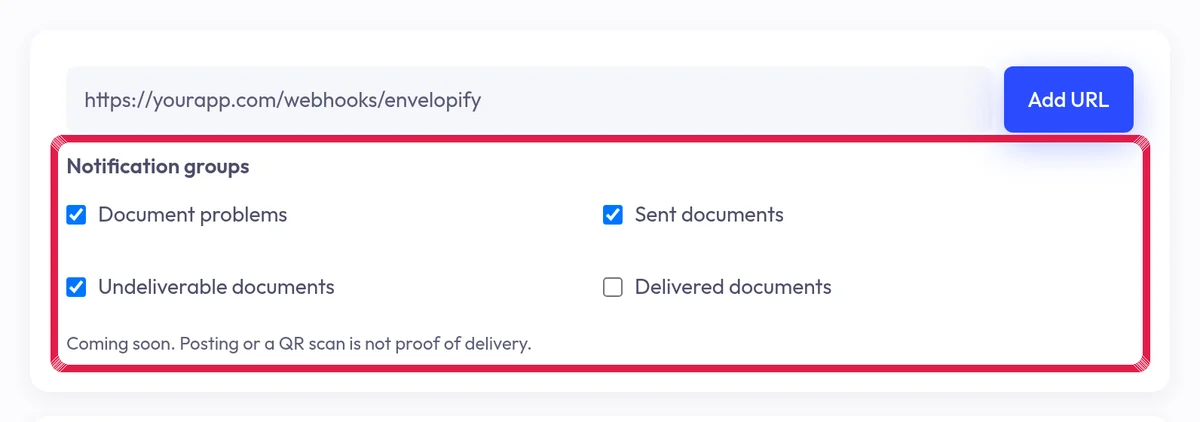
Highlighted area in the current portal, using fictional example data. Save and review recorded attempts. Your receiver must verify signatures and safely handle duplicates; ask your software administrator for help.