Team members and permissions
Open Settings → Team and accounts. A manager enters the email of an existing confirmed account and chooses Add or update.
Open Settings → Team and accounts. A manager enters the email of an existing confirmed account and chooses Add or update.
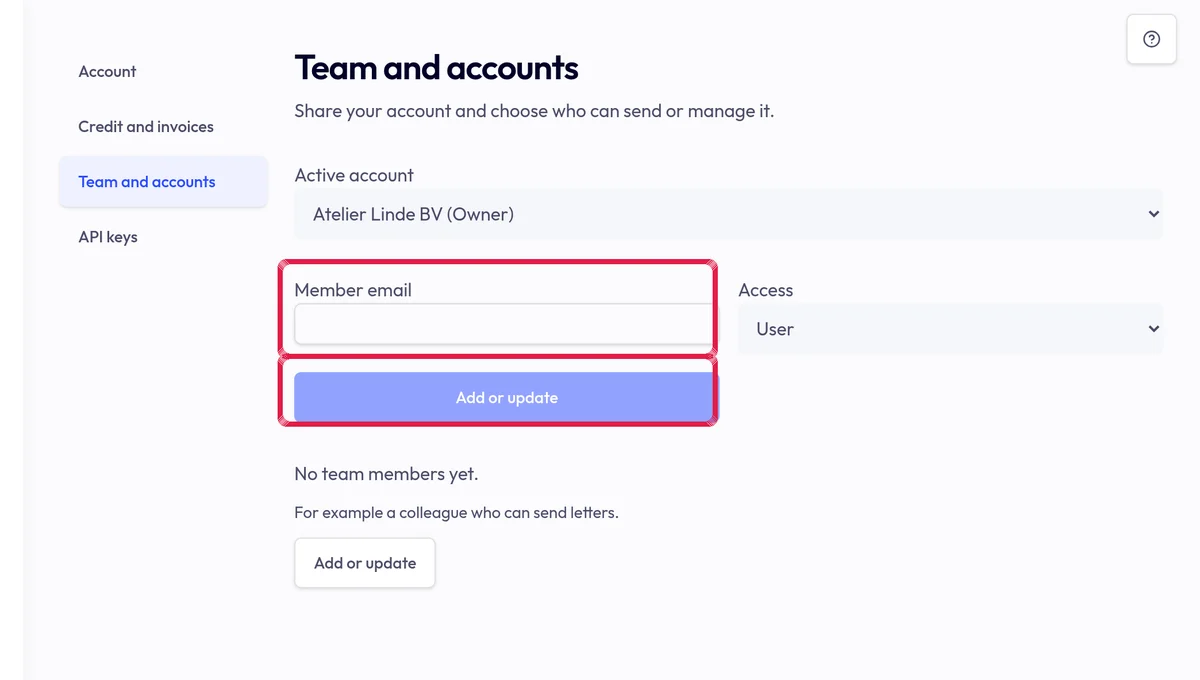
Highlighted area in the current portal, using fictional example data. Choose Manager for settings, keys and payments or User for sending letters. Grant only needed permissions.
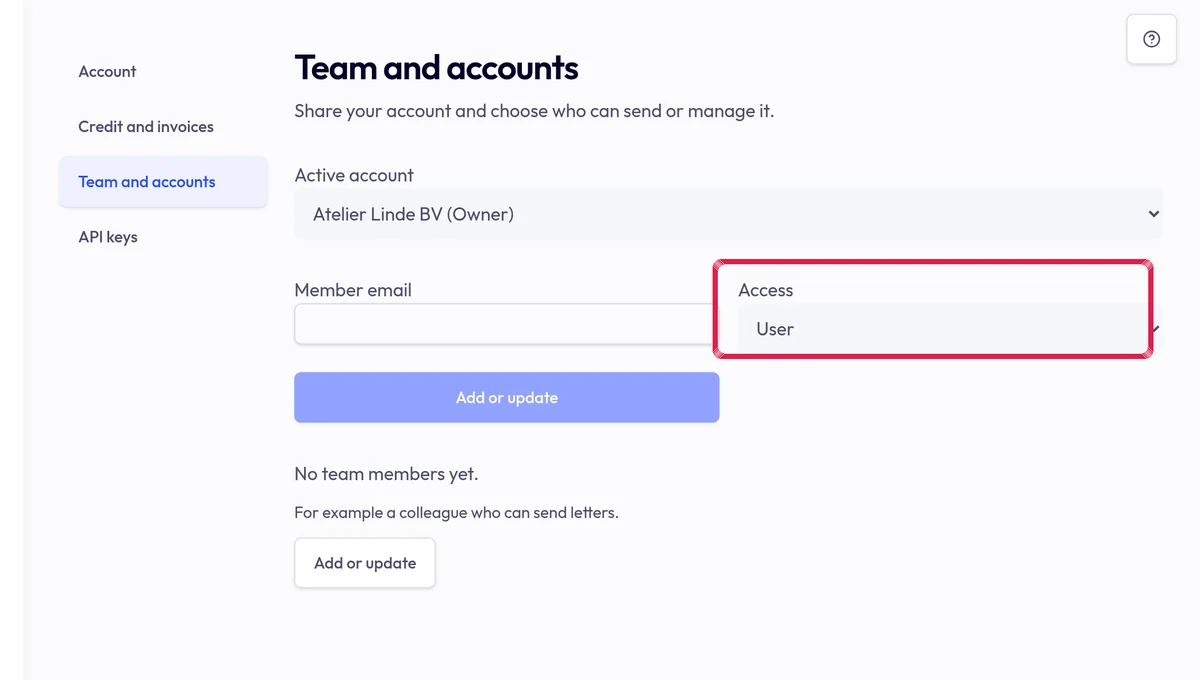
Highlighted area in the current portal, using fictional example data. Check the selected account when switching and remove unnecessary access. Team membership does not open every account or its company details.