Company details
Open Settings → Account to review company details. Preparation does not require these details beforehand.
Open Settings → Account to review company details. Preparation does not require these details beforehand.
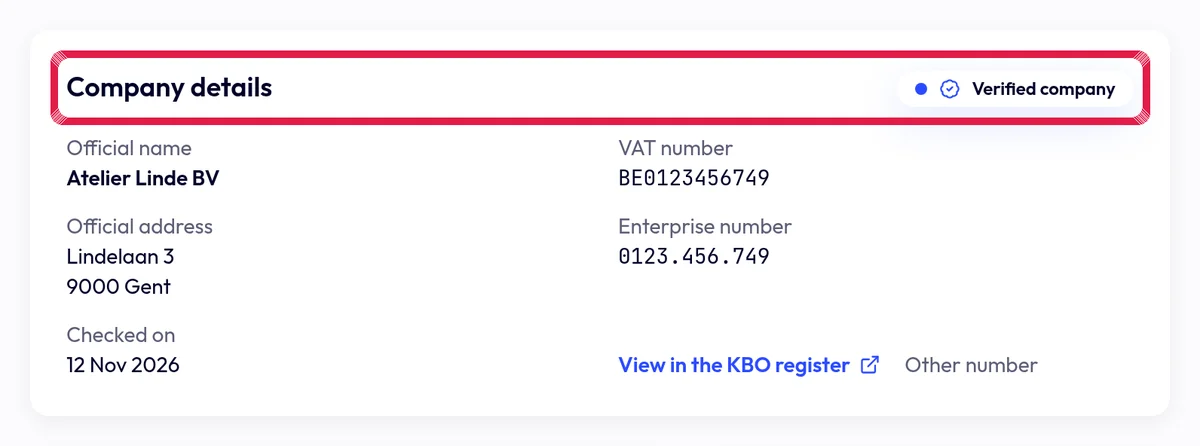
Highlighted area in the current portal, using fictional example data. Complete necessary details at your first top-up or real send. Have the VAT number checked and review the returned company information.
Save changes as an account manager. A regular member asks the manager to confirm details; real post requires a verified company.