Send your first letter
Open New shipment and choose one letter. Drop your PDF or use our sample letter.
Open New shipment and choose one letter. Drop your PDF or use our sample letter.
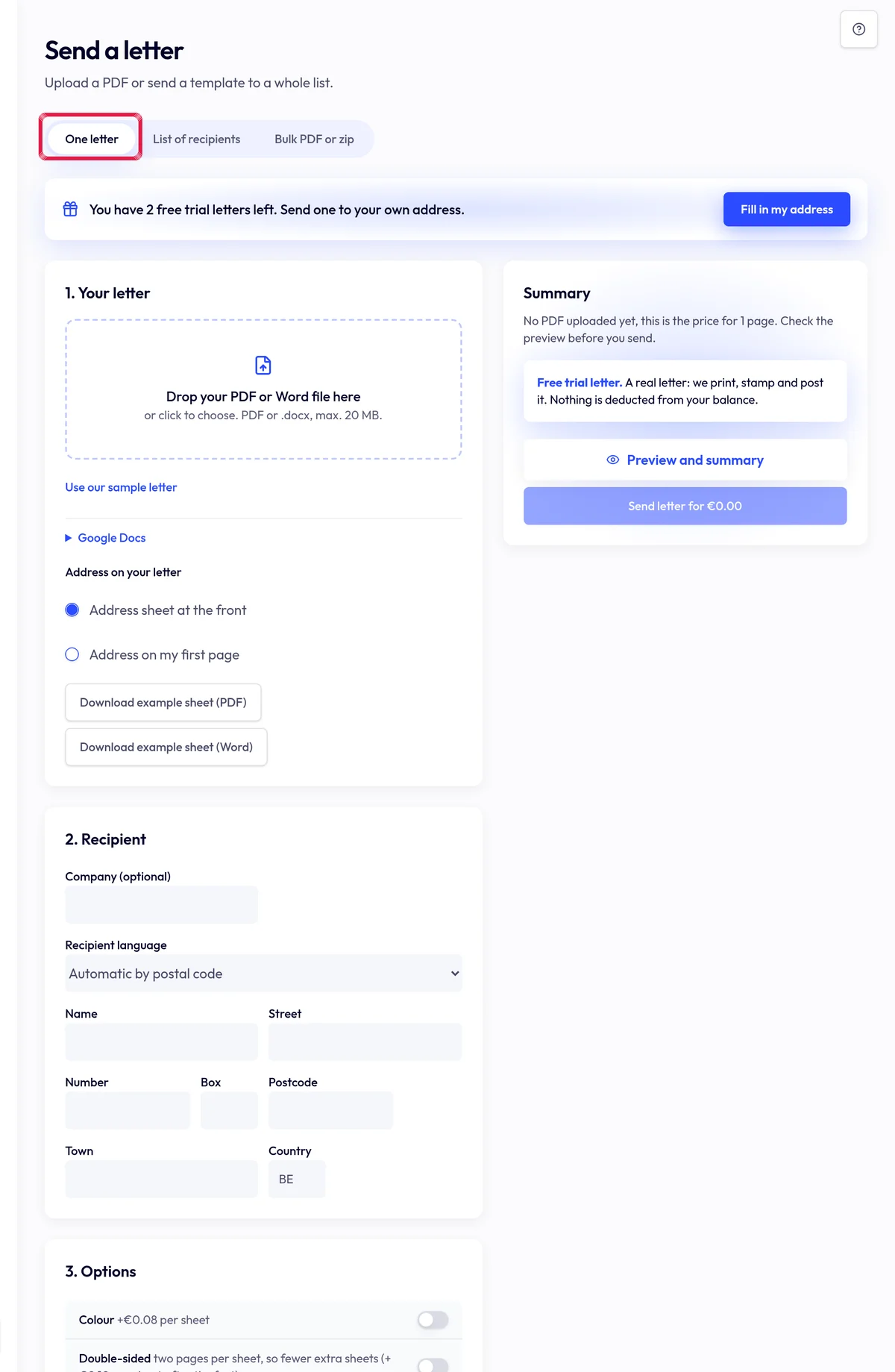
Highlighted area in the current portal, using fictional example data. Check the full address, options and Preview and summary. Review every page and the price.
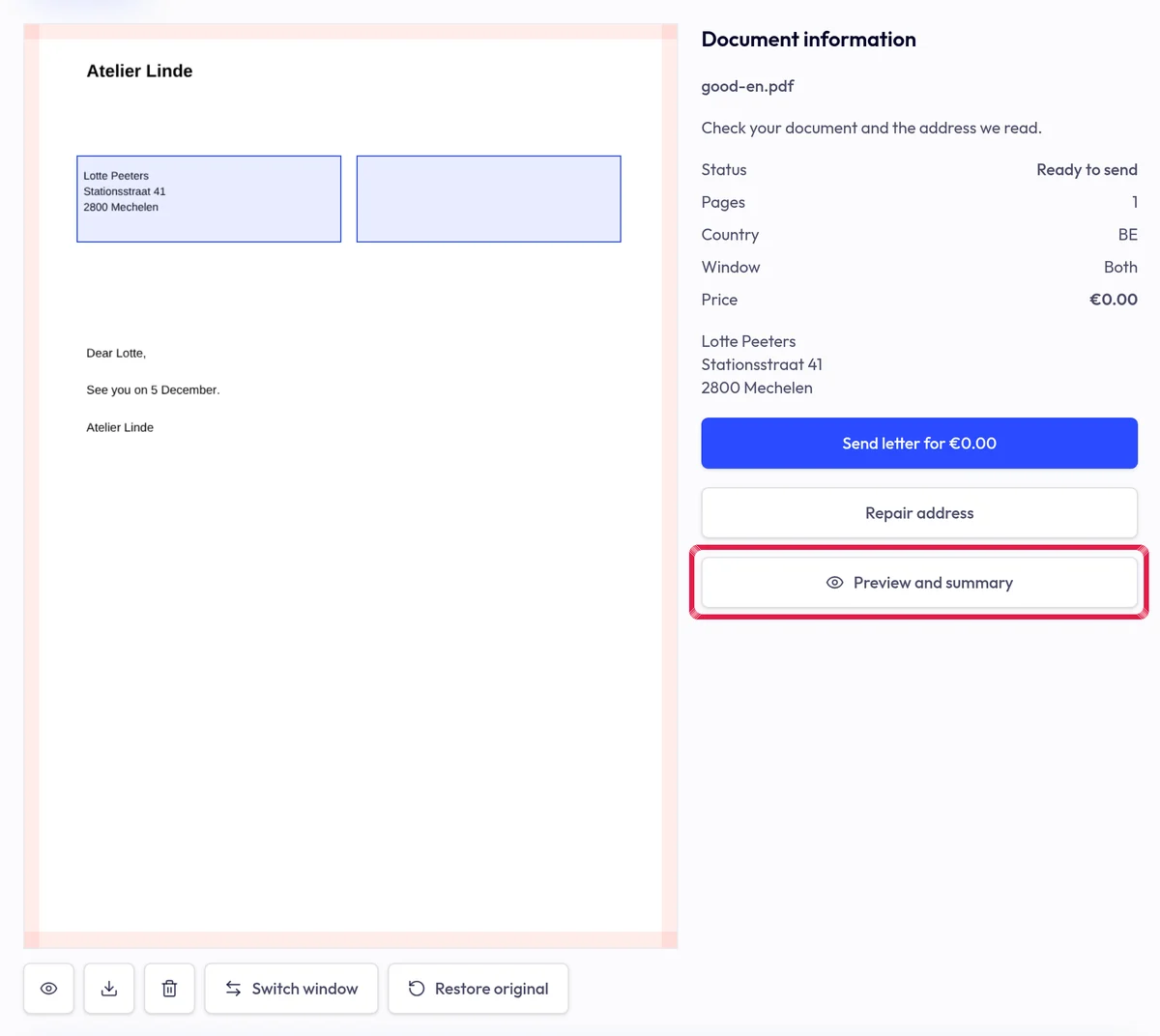
Highlighted area in the current portal, using fictional example data. Only then choose Send letter. Real post requires a confirmed email and verified company; top up any shortfall first. A free trial also asks you to confirm real posting.
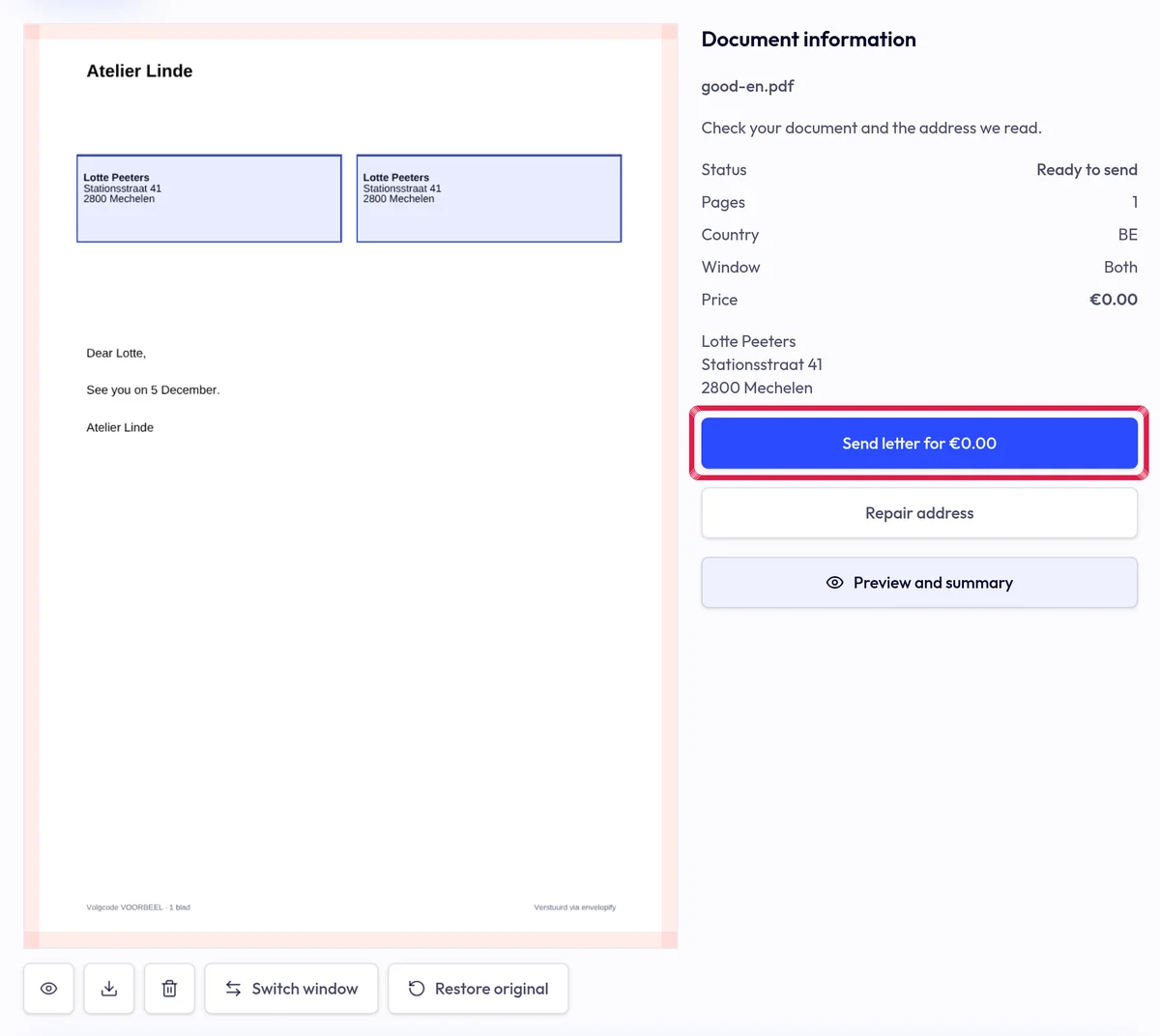
Highlighted area in the current portal, using fictional example data.