Create an account
Open registration. Enter only your email and choose Receive a sign-in link.
Open registration. Enter only your email and choose Receive a sign-in link.
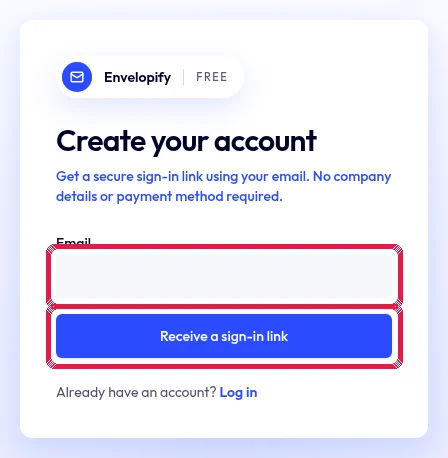
Highlighted area in the current portal, using fictional example data. Click the secure link in your inbox to confirm your address before entering. Do not share this link.
Choose your language and continue to your first letter. You can skip both introduction steps; company details are needed only when topping up or sending real post.