Schedule a posting date
Enable Post on a date in letter or recipient-list options.
Enable Post on a date in letter or recipient-list options.
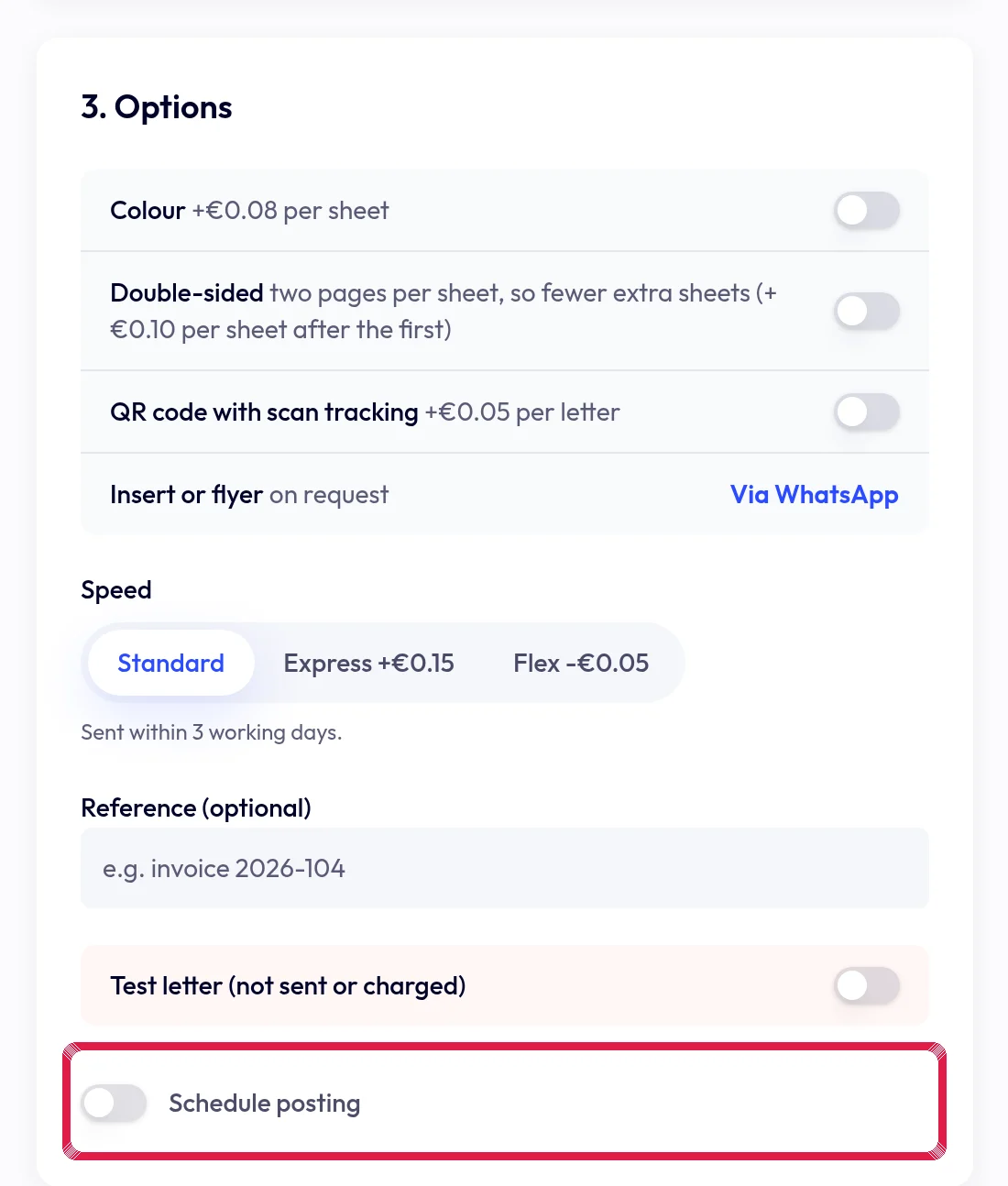
Highlighted area in the current portal, using fictional example data. Choose an available working day. The portal checks the scheduling limit and excluded dates.
Review the date in preview and letter details. This is not a delivery date; cancellation is possible only while the action remains available.