Top up credit
Open Settings → Credit and invoices or the balance plus button. Choose an amount and check credit, VAT and total.
Open Settings → Credit and invoices or the balance plus button. Choose an amount and check credit, VAT and total.
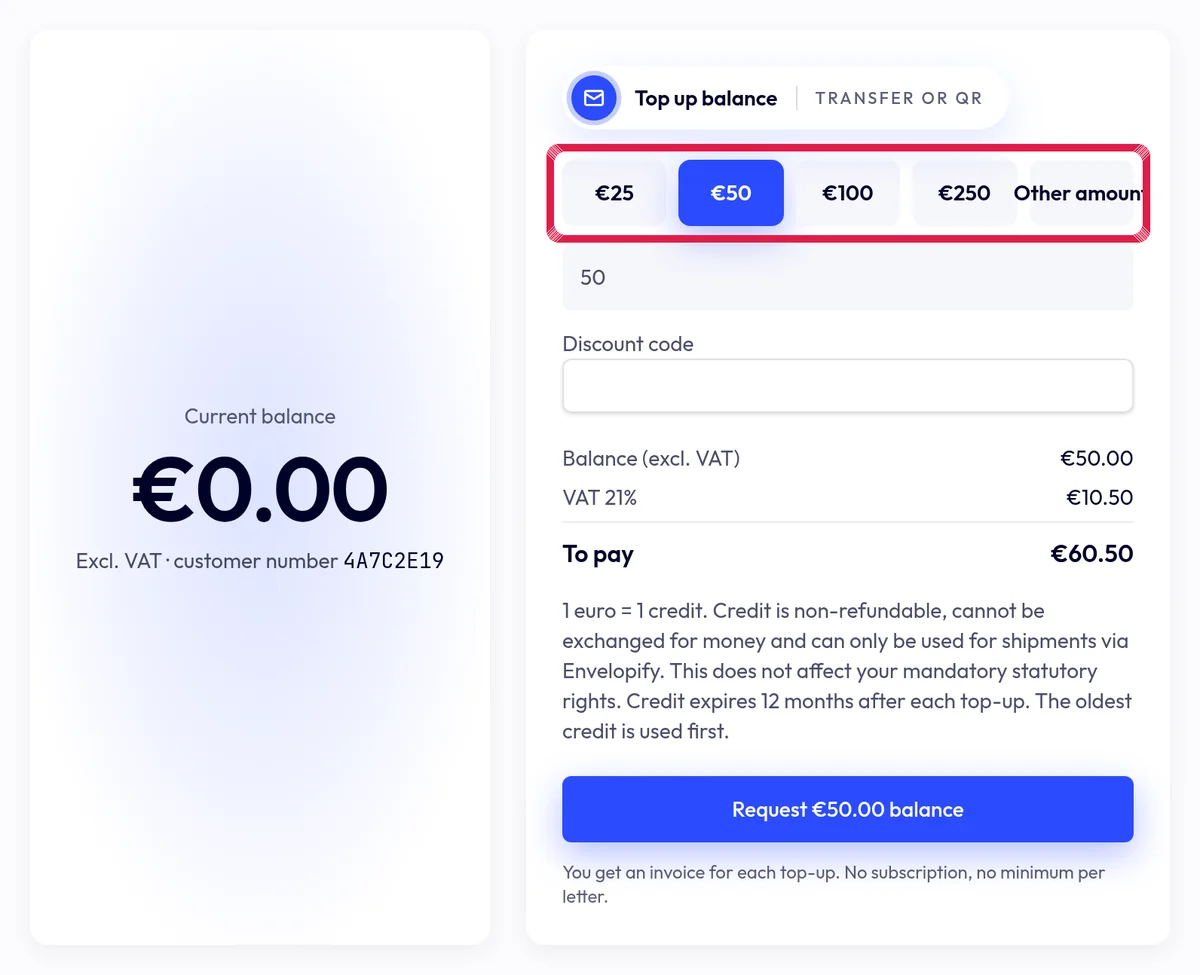
Highlighted area in the current portal, using fictional example data. Choose the Request … balance button and now complete any required company and billing details. Accept the terms and use the displayed bank transfer or QR.
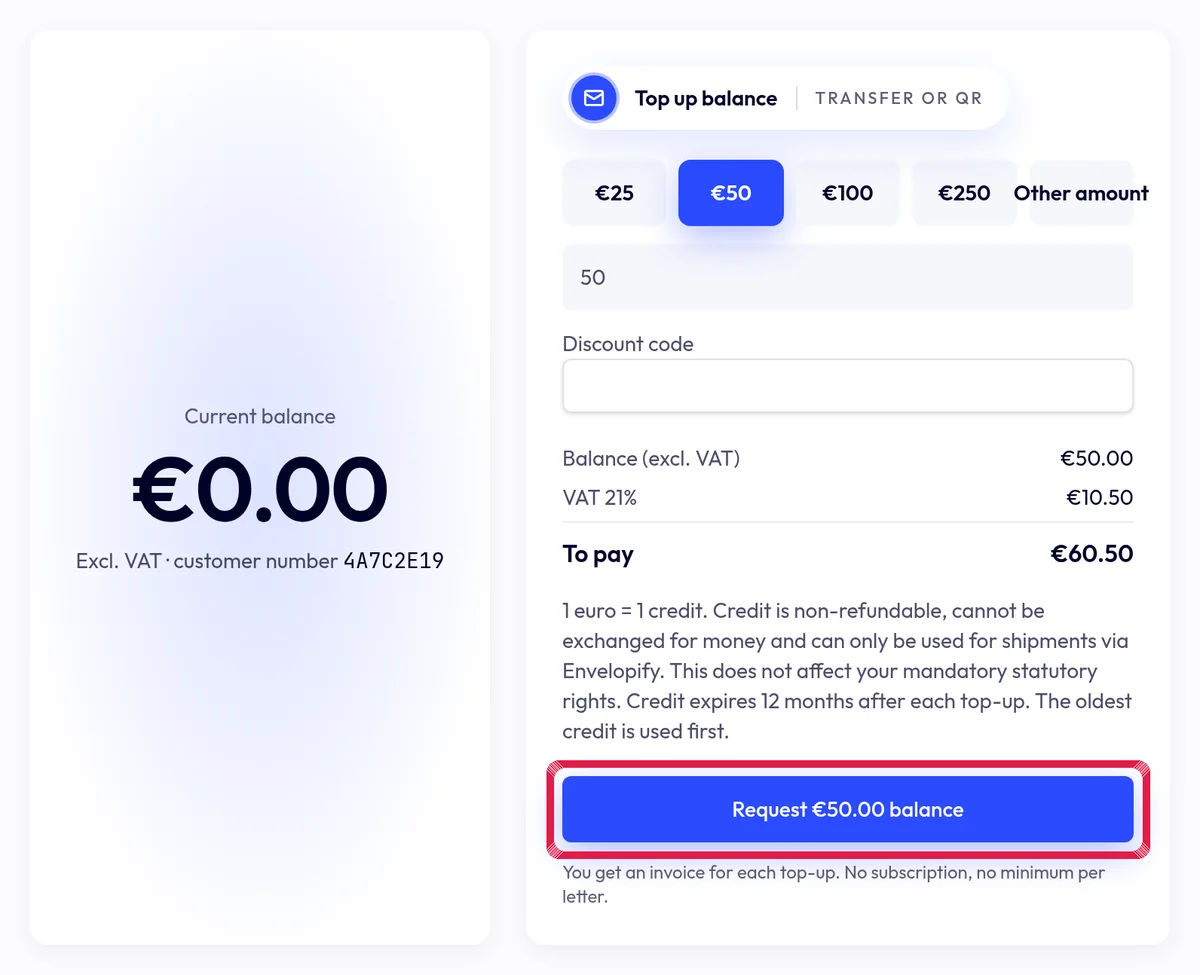
Highlighted area in the current portal, using fictional example data. Follow the request until payment is received and confirmed. Only then is credit available. Online payment is unavailable; a request alone is not a payment.