Black and white or colour
Open Options. Leave Colour off for black and white or enable it.
Open Options. Leave Colour off for black and white or enable it.
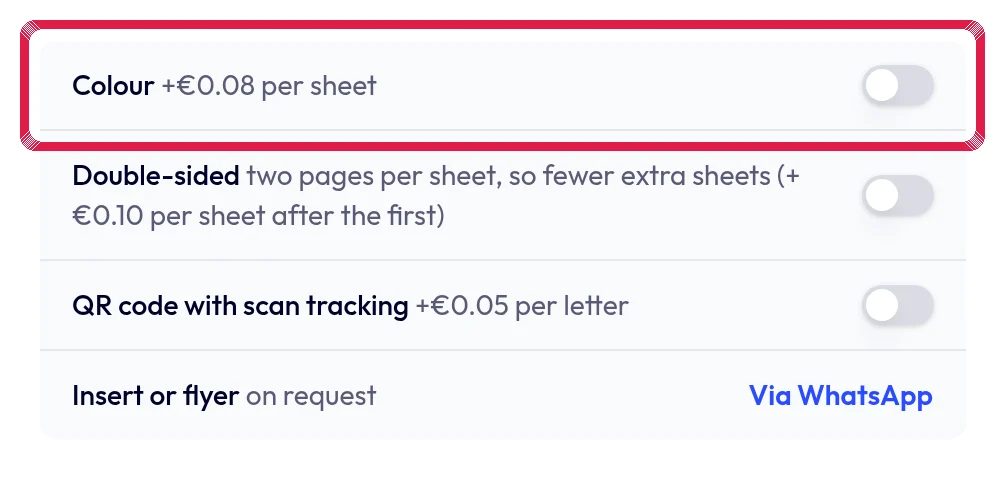
Highlighted area in the current portal, using fictional example data. Check the updated preview price. Colour uses the current surcharge per content sheet; the address sheet remains free.
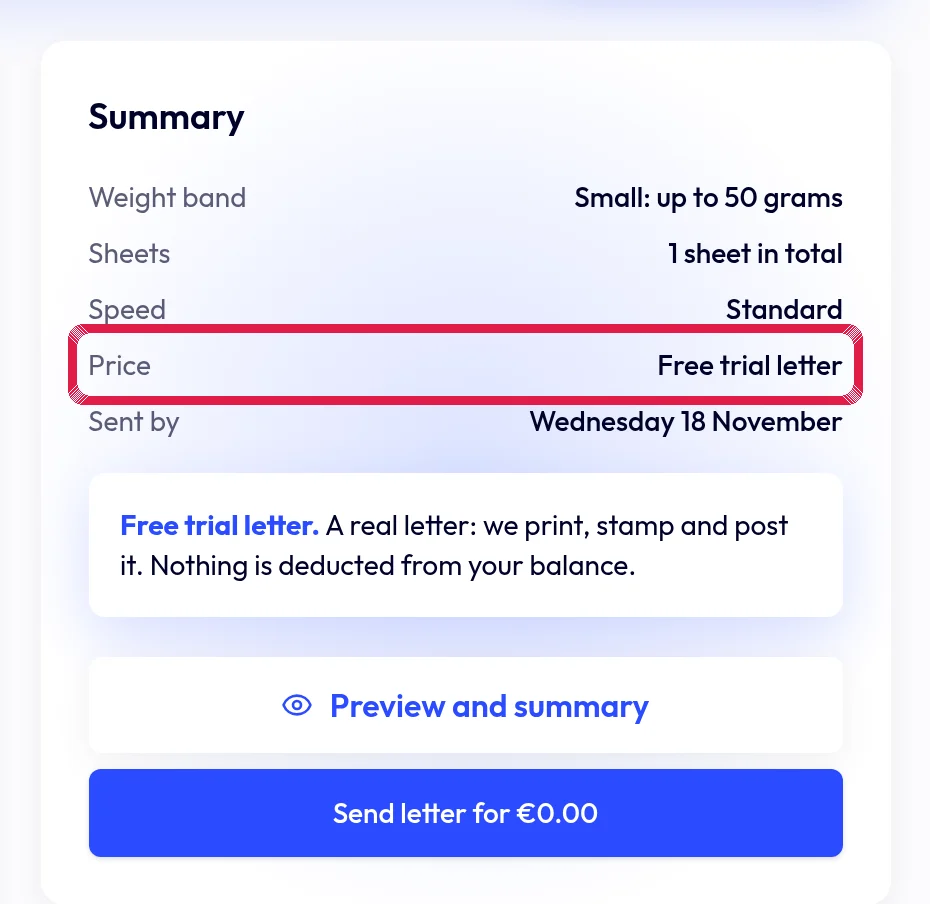
Highlighted area in the current portal, using fictional example data. Check PDF readability. A colourful design may be less clear in black and white; only then send.