Single or double-sided
In one-letter Options, enable Double-sided to print two content pages per sheet.
In one-letter Options, enable Double-sided to print two content pages per sheet.
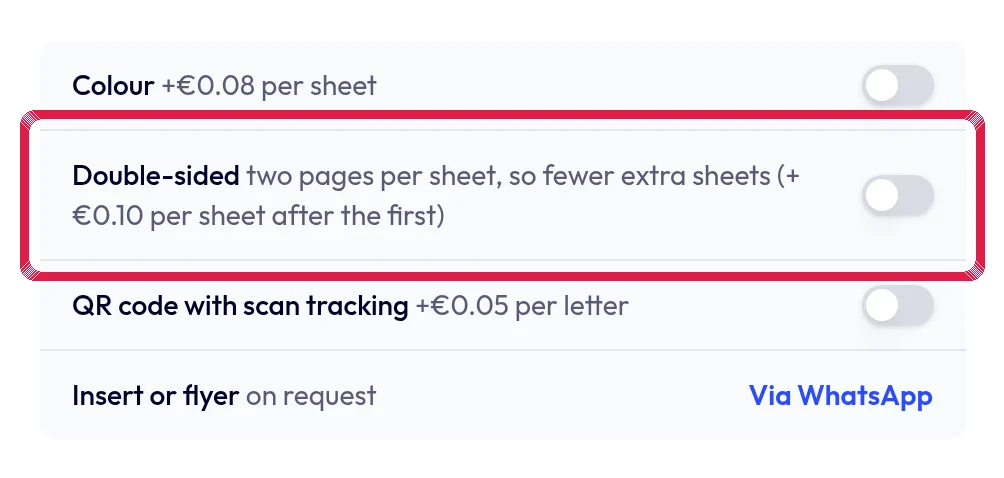
Highlighted area in the current portal, using fictional example data. Check the sheet count. An odd page count ends with a blank back; a separate address sheet still counts as a sheet.
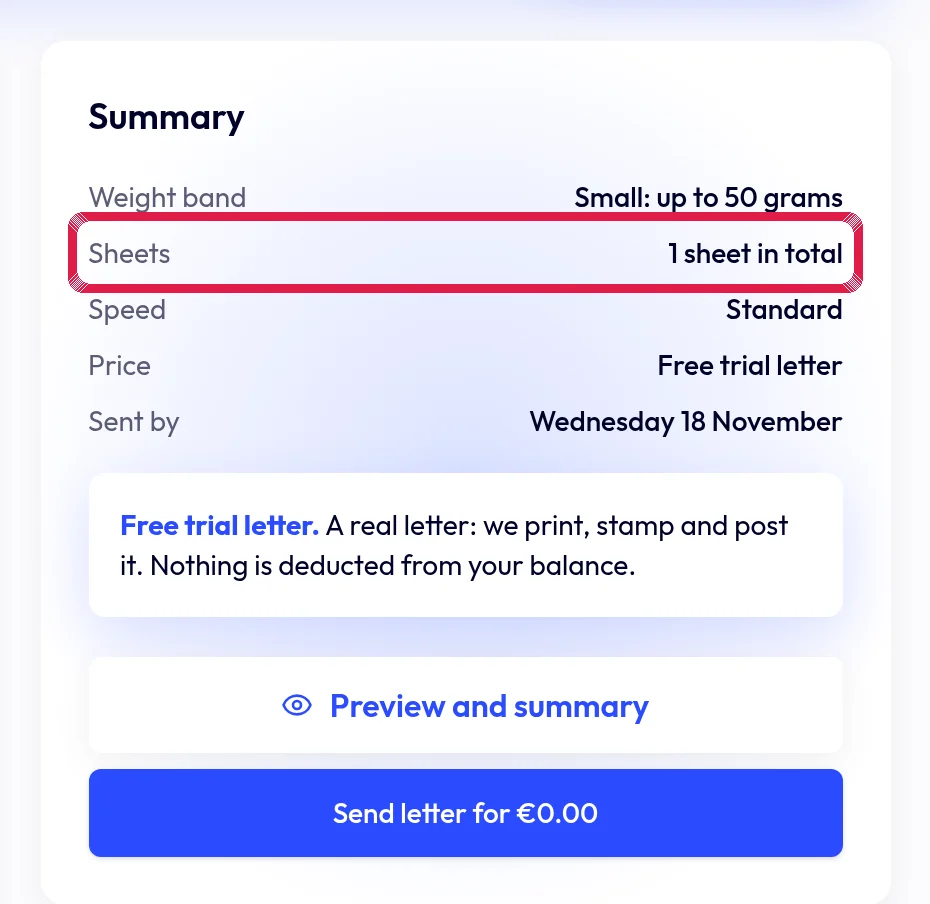
Highlighted area in the current portal, using fictional example data. Review order and price. Double-sided has no separate surcharge, but actual extra sheets affect your price.