Which areas must stay clear?
Keep important text and images at least 5 mm away from every page edge and check the preview.
Keep important text and images at least 5 mm away from every page edge and check the preview.
Keep the address area opaque white, without a logo or body text. Place the entire return address above 38 mm from the top.
After repair, check the white covering over the old address does not hide important content. Margin correction can remove content, so review before sending.
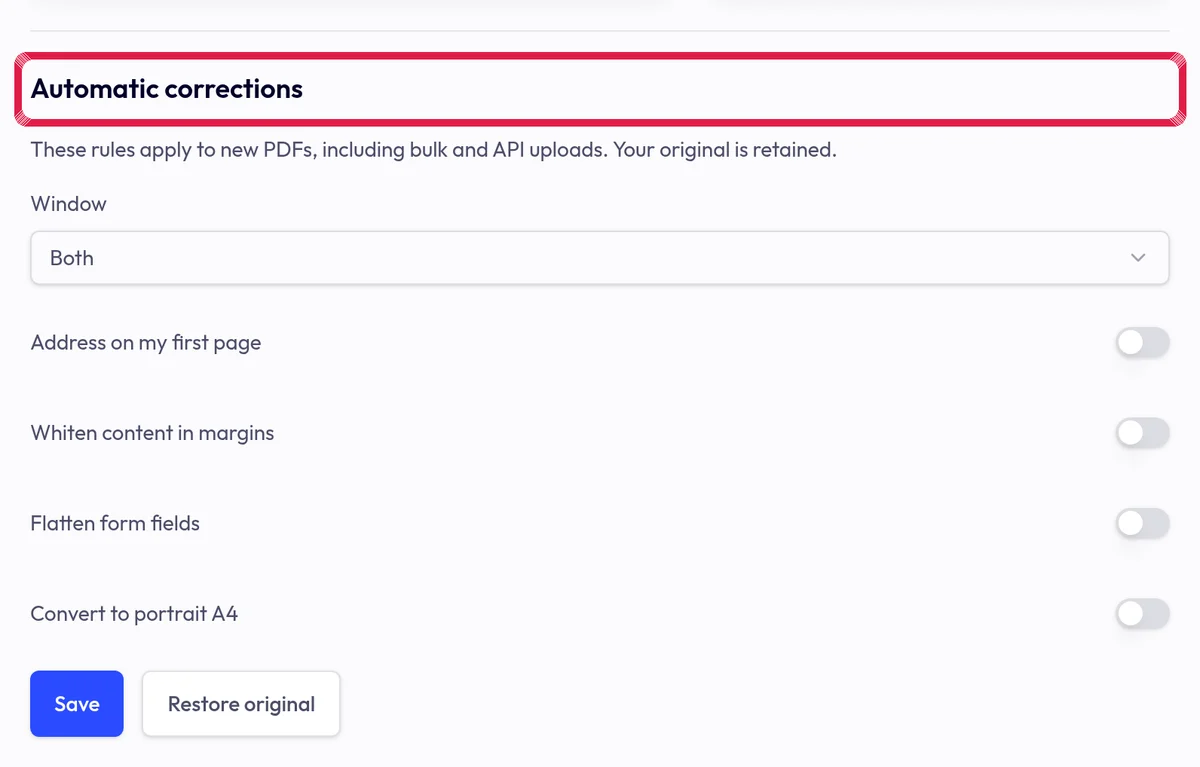
Highlighted area in the current portal, using fictional example data.