Recipient list: CSV or Excel
Open Send a letter and choose List of recipients. Choose a template and upload a .csv or .xlsx.
Open Send a letter and choose List of recipients. Choose a template and upload a .csv or .xlsx.
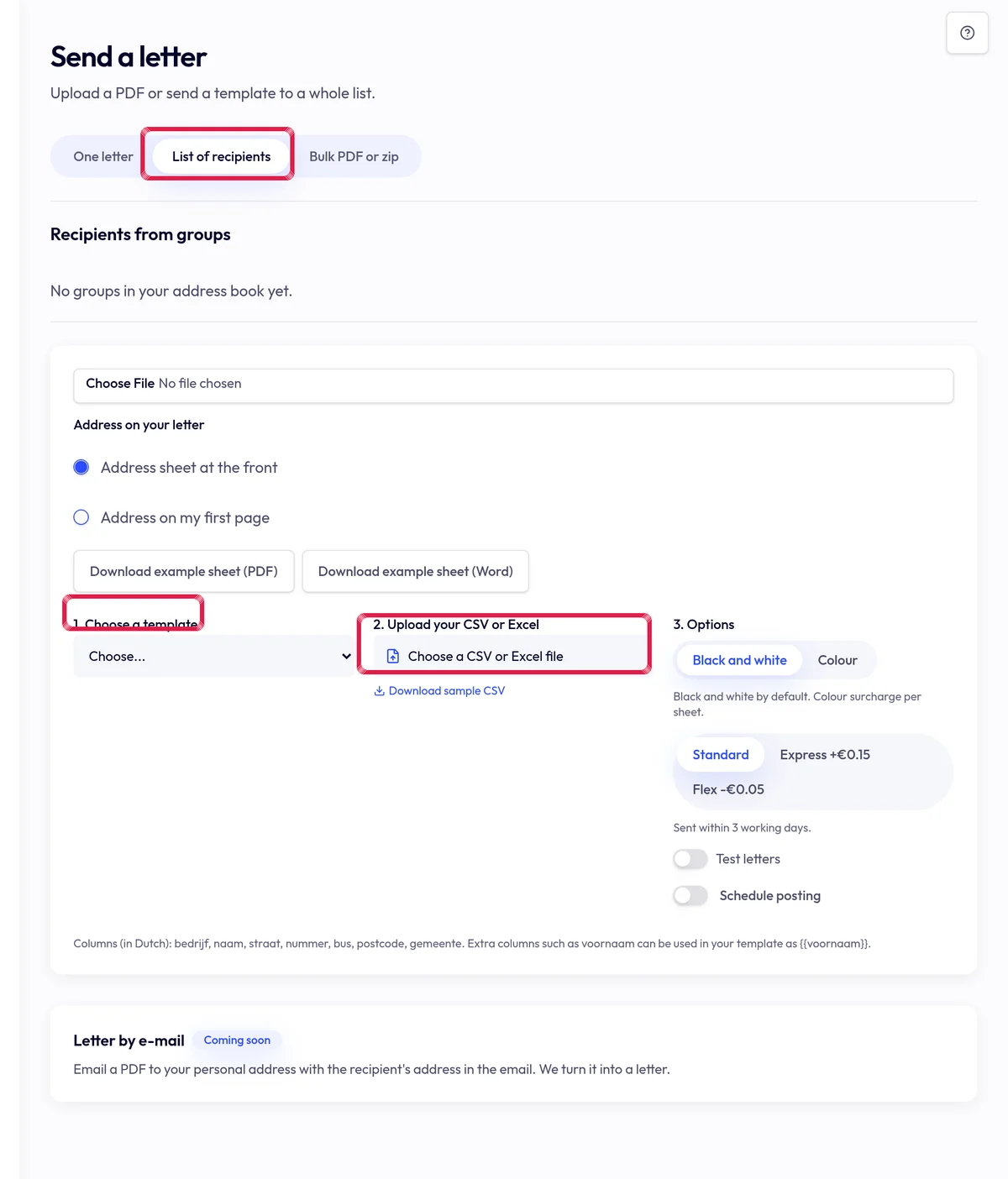
Highlighted area in the current portal, using fictional example data. Map name, street, number, box, postcode, city and country. Include only data your letter needs.
Fix flagged rows and duplicates, then review previews and total. Confirm sending afterwards; uploading alone sends nothing.