Create an API key
Open Settings → API keys as an account manager and choose Create test key.
Open Settings → API keys as an account manager and choose Create test key.
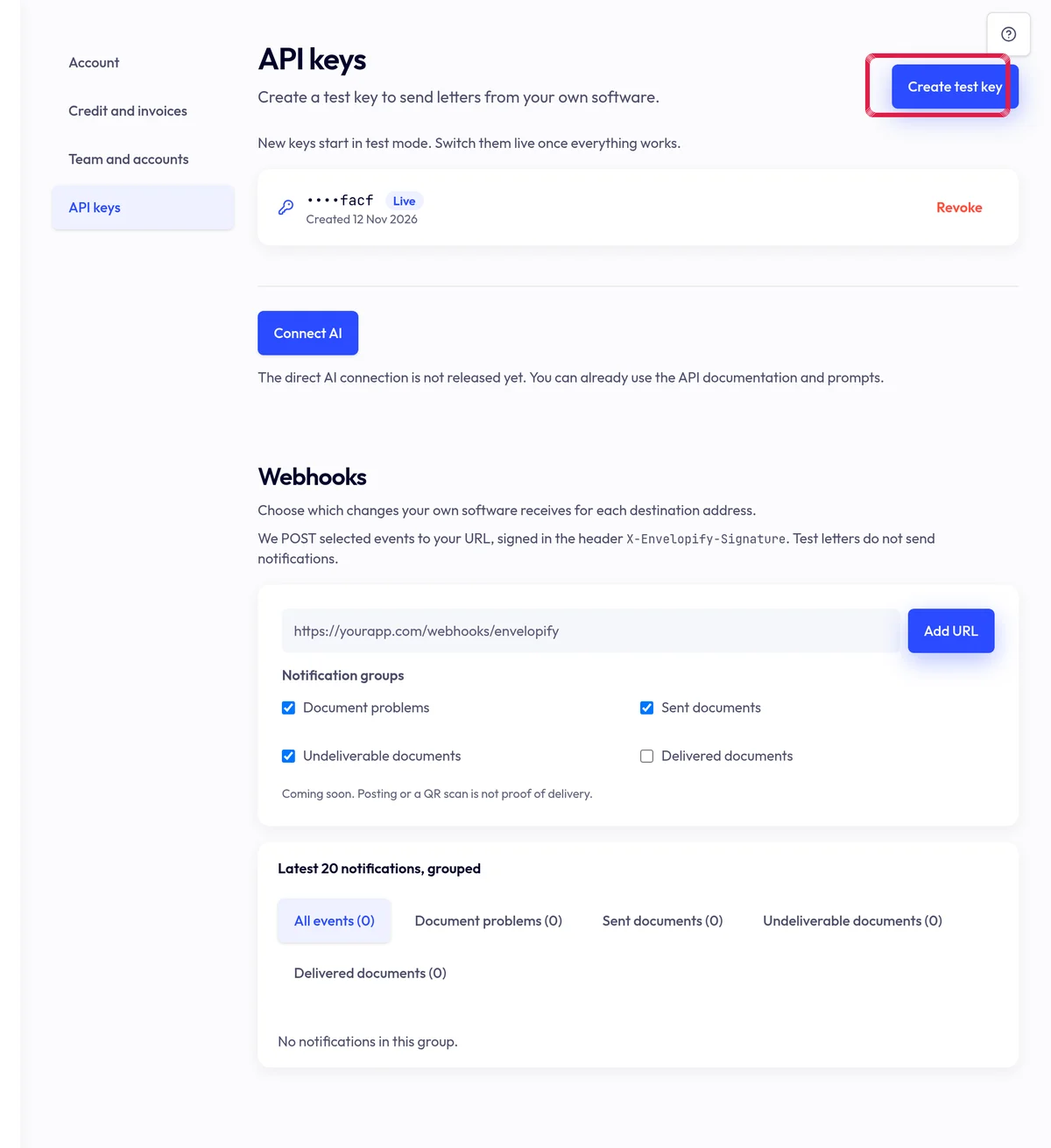
Highlighted area in the current portal, using fictional example data. Copy the key shown once and store it as a secret in your software. Never put it in screenshots, prompts or public code.
Start in test mode and read /en/developers. Revoke a leaked or unused key to remove its access.